Everything you need to know about FitBalkanMate — from first steps to managing your subscription.
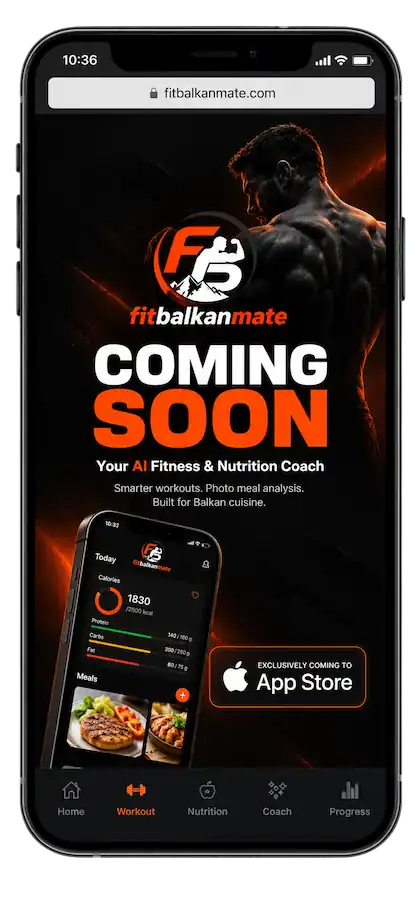
FitBalkanMate is your personal AI assistant for fitness and nutrition, built with care for Balkan cuisine and lifestyle:
Open the "AI Coach" tab, type your question (e.g., "How much protein do I need?" or "Give me a 3-day-per-week home program") and get an answer. The free plan includes 5 messages per day; Premium is unlimited. History is stored locally on your device.
In the food diary tap the camera icon, take a photo of the meal and AI will recognize it. Check the recognized foods, adjust the portion if needed and save. Free: 3 analyses per day.
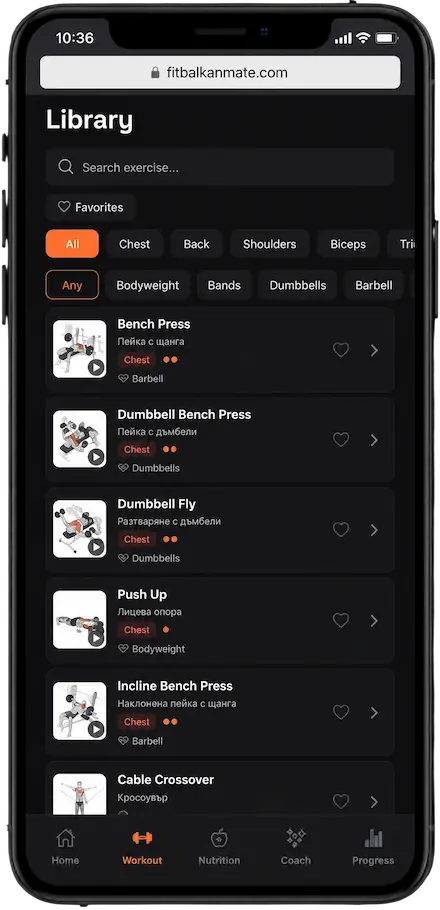
Choose "Generate Workout", pick a muscle group, duration and equipment. AI creates a program with exercises, sets and reps that you can save to your calendar. The feature is part of Premium.
Yes. The free plan forever includes 5 AI chat messages per day, plus calorie, weight and workout tracking. Premium removes the limits, adds unlimited AI food analyses and workout generation.
Base prices are €4.99/month and €29.99/year (about 50% savings), plus local VAT which varies by country. The final price is confirmed at checkout. Both come with a 7-day free trial.
Payments go entirely through Apple App Store or Google Play. We never see or store card details. Subscription status management happens through RevenueCat on a technical level only.
iOS: Settings → your name → Subscriptions → FitBalkanMate → Cancel. Android: Google Play → Profile → Payments & subscriptions → Subscriptions → Cancel. You keep access until the end of the paid period. More details are in our Refund Policy.
Yes — the request is submitted to the store where you paid: Google Play (within 48 hours of purchase via order history) or Apple (reportaproblem.apple.com). The decision is made by the store. See our Refund Policy for the steps.
Open the App → Settings → Profile → Delete Account, or write to contact@fitbalkanmate.com from your registered email. All cloud data is deleted within 30 days. Local AI chat history disappears when you uninstall.
Yes! The database is specially optimized for Balkan cuisine — banitsa, shopska salad, musaka, yogurt and many more are already in it with accurate values. The photo analysis also recognizes typical Balkan dishes.
Manual food logging, weight, water and history browsing work offline. AI features (chat, photo analysis, workout generation) and sync require an internet connection.
Unlimited — sign in with the same email on iPhone and Android and your data syncs automatically through the cloud.
Our support team answers at contact@fitbalkanmate.com — usually within 24–48 hours.
Start your fitness journey today. Free to download, no credit card required.